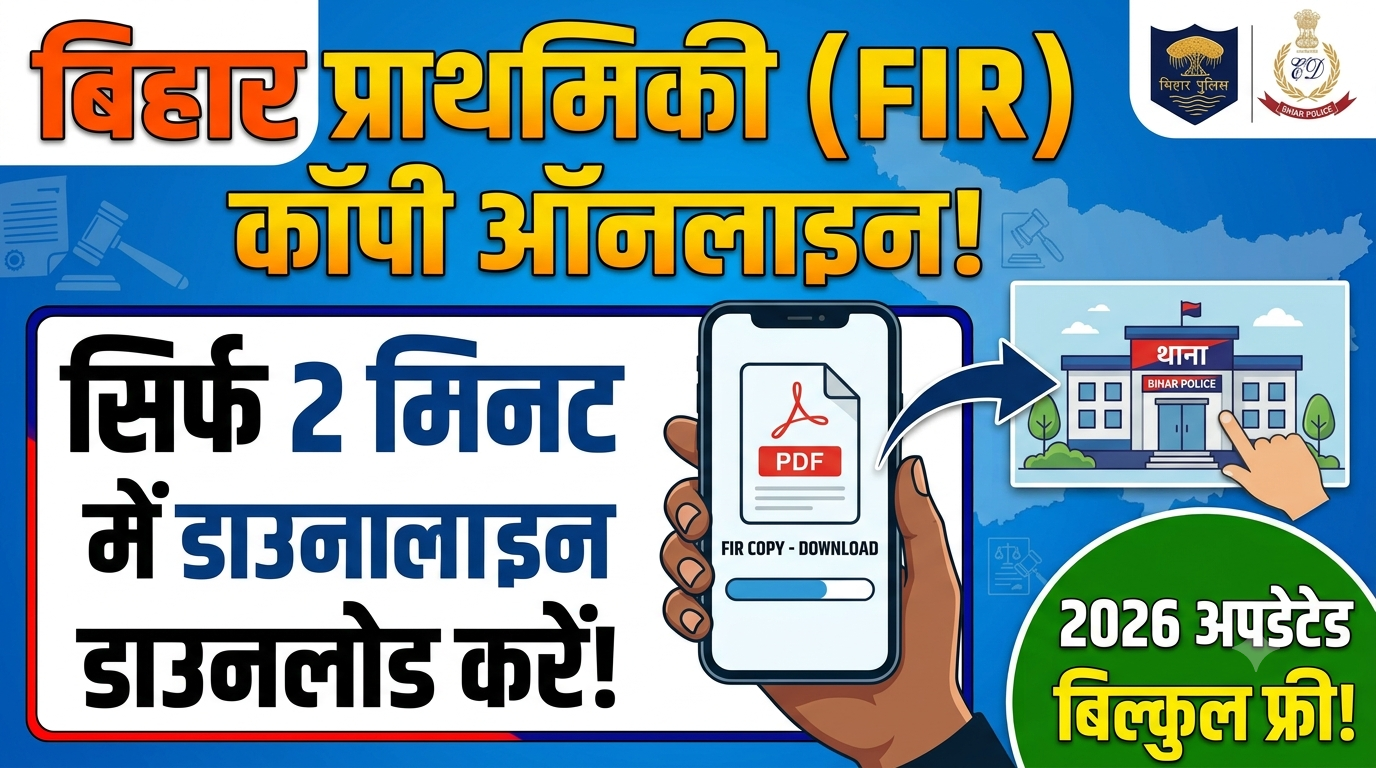
How to Get FIR Copy Online in Bihar: A Complete Step-by-Step Guide (2026 Updated)
How to Get FIR Copy Online in Bihar: Gone are the days when citizens had to make multiple rounds of police stations, wait for hours in corridors, or deal with middlemen just to get a hard copy of a First Information Report (FIR). In line with the Digital India initiative, the Government of Bihar and the Bihar Police Department have completely digitized the process of checking and downloading criminal records and complaints.
Whether you have lost a valuable possession like a mobile phone or vehicle, or you are involved in a legal matter where an official complaint has been registered, you can now access the digitized document within minutes.
Through the CCTNS (Crime and Criminal Tracking Network & Systems) portal and the official Bihar Police Citizen App, getting a verified PDF copy of an FIR is now entirely free and transparent. This detailed 2500+ word guide will walk you through every aspect of retrieving an FIR online in Bihar, covering various search methods, troubleshooting steps, and legal validities.
1. Understanding the Bihar Online FIR System (CCTNS)
The digital backbone of this service is the Crime and Criminal Tracking Network & Systems (CCTNS). Implemented across all districts of Bihar—from Patna and Muzaffarpur to Gaya and Bhagalpur—this system connects over 1,000 police stations to a centralized cloud database.
Whenever a manual FIR is registered by a police officer at a local Thana, it is mandated to be uploaded into the CCTNS software. Once synchronized, the document becomes part of the public domain via the State Crime Records Bureau (SCRB) portal, allowing citizens to search, view, and print it easily.
2. Key Benefits of Downloading an FIR Copy Online
Embracing the digital system offers several practical advantages for the general public:
- Zero Expense: The online portal is absolutely free. You do not need to pay any administrative fee or handling charges.
- Instant Insurance Claims: If your car, bike, or smartphone is stolen, insurance companies require the official FIR document to process your claim. Getting it online saves days of delay.
- Absolute Transparency: Citizens can verify exactly what sections of the Bharatiya Nyaya Sanhita (BNS) or Indian Penal Code (IPC) have been applied by the police officer, preventing any unauthorized alterations.
- Legal Validity: The digital copies generated through the portal are authentic and can be directly used for court proceedings, bail applications, or official documentation.
- 24/7 Accessibility: You can download the document from anywhere in the world at any time of the day without visiting the physical jurisdiction.
3. Prerequisites: What Details Do You Need?
To successfully fetch an FIR from the Bihar Police database, you must have a few specific details ready. The portal allows flexibility, meaning you don’t need all information, but having a combination of the following is necessary:
- District Name: The administrative district where the incident occurred or where the complaint was filed.
- Police Station (Thana): The specific local station handling the case.
- FIR Number & Year: The unique serial number assigned to the case along with the registration year (e.g., FIR No. 88/2026).
- Complainant Name: The exact spelling of the person who lodged the complaint.
- Accused Name: The name of the individual against whom the complaint was made (if known/named in the case).
4. How to Get FIR Copy Online in Bihar: The Website Method
Follow this precise, step-by-step sequence to download your FIR PDF directly from the official State Crime Records Bureau (SCRB) web portal:
1.Visit the Official Bihar Police SCRB Portal:Step 1.
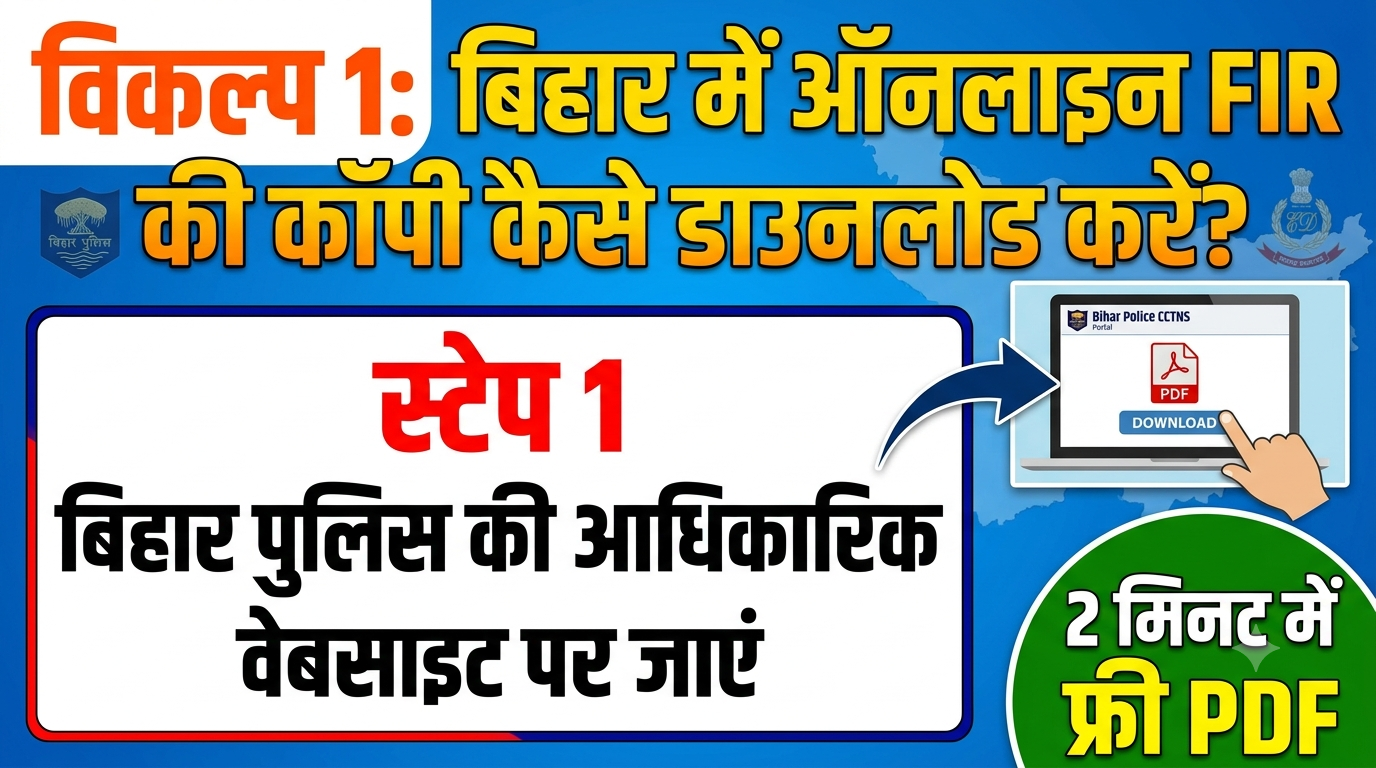
Open your web browser (Google Chrome or Mozilla Firefox are recommended) and navigate to the official Bihar Police website: biharpolice.in or directly head to the SCRB portal at scrb.bihar.gov.in.
2.Navigate to the ‘Search FIR’ Section:Step 2.
On the homepage, look for the “Citizen Services” tab. Under this section, click on the link that says “Search FIR” or “View FIR”. This will redirect you to the dedicated CCTNS public search interface.
3.Select the District and Police Station:Step 3.
You will see a search form with several dropdown menus. First, select your District from the list. Once the district is selected, the adjacent dropdown will populate with the names of all the Police Stations inside that district. Select the appropriate one.
4.Choose Your Search Parameter:Step 4.
The portal offers three distinct ways to look up a case:
- Search by FIR Number: Select this radio button if you know the exact case number. You will need to enter the number and choose the corresponding year.
- Search by Complainant Name: Select this if you want to find it using the victim’s/reporter’s name.
- Search by Accused Name: Choose this if you want to see cases filed against a particular individual.
5.Execute Search and Download PDF:Step 5.
After entering the text, click on the “Search” button. A list matching your query will appear at the bottom of the page. Click on the “View” or “Download PDF” button next to your specific record. The official copy will download to your device instantly.
5. How to Download Bihar FIR Copy via Mobile App
For users who prefer using a smartphone, the Bihar Police department provides a streamlined application that makes tracking complaints even easier.
- Go to the Google Play Store (or Apple App Store) on your phone.
- Search for the “Bihar Police Citizen App” and install the application published by the official government body.
- Open the app, grant the necessary location/storage permissions, and select your preferred language (English or Hindi).
- Tap on the “View FIR” icon displayed on the dashboard.
- Select the designated District and Police Station from the scrollable menu.
- Input either the FIR number or the complainant’s name, and hit Submit.
- The FIR sheet will open on your mobile screen. Click the “Save as PDF” button to keep a local copy in your phone’s file manager.
6. Normal FIR vs. e-FIR: A Crucial Distinction
Many citizens confuse a standard FIR with an e-FIR. Understanding the difference dictates how you search for them online:
| Criteria | Normal FIR (Traditional) | e-FIR (Electronic) |
| Type of Offense | Cognizable and serious crimes (e.g., Burglary, Physical Assault, Fraud, Riot). | Non-cognizable, minor, or unknown offenses (e.g., Lost mobile phone, lost SIM, missing documents). |
| Registration Mode | The victim must visit the physical police station, submit a written draft, or give an oral statement. | Can be registered directly online by the citizen through the portal without stepping into a police station. |
| Availability of Copy | Becomes available online only after the station computer operator uploads the manual data entry into CCTNS (takes 24–72 hours). | The signed digital PDF copy/receipt is generated instantly upon submitting the online form. |
7. Troubleshooting: Why Can’t You Find the FIR Online?
If you encounter a “No Record Found” error or find a blank page when searching, it is usually due to one of the following systematic or legal reasons:
A. The 24 to 72-Hour Upload Buffer (Time Lag)
When a duty officer writes an FIR on paper at a rural or semi-urban police station, it does not instantly appear on the internet. A data entry operator must manually transcribe the contents into the CCTNS system. This synchronization process usually takes 24 to 72 hours. If the incident occurred today, try checking the portal after two to three days.
B. Legally Restricted & Sensitive Cases
According to strict guidelines laid down by the Supreme Court of India, certain highly sensitive FIRs cannot be uploaded to public servers to protect the identity, safety, and privacy of the individuals involved. These include:
- Cases related to Sexual Assault, Rape, and modesty violations.
- Cases registered under the POCSO Act (Protection of Children from Sexual Offences).
- High-profile cases dealing with Terrorism, State Security, or insurgencies.
- Solution: For these cases, an official physical copy can only be collected directly from the concerned police station or via an authorized legal representative from the court.
C. Spelling and Character Matching Errors
The search engine on the Bihar SCRB portal requires precise text inputs. If the operator misspelled a name during data entry (e.g., entering “Rakesh” instead of “Rajesh”, or writing “Kumar” instead of “Singh”), the database search will fail.
- Fix: Try searching using only the first three letters of the name followed by a wildcard or look up the specific date range of the incident to see all FIRs filed on that day.
8. Legal Validity of Online Downloaded FIR Copies
A frequent point of concern among citizens is whether an online printout holds any weight in a court of law or before corporate entities like insurance providers.
Legal Fact: Under Section 65B of the Indian Evidence Act (and its equivalent provisions under the modern Bharatiya Sakshya Adhiniyam), digitally generated documents from authorized government portals are completely valid and legally binding.
You do not need an official red-ink stamp or physical signature from a Station House Officer (SHO) for everyday tasks. It is fully accepted for:
- Filing for Anticipatory or Regular Bail through an attorney.
- Submitting proof to telecom companies to block/re-issue a lost SIM card.
- Presenting document loss proof to regional transport offices (RTO) or passport offices for duplicates.
9. Other Citizen Services on the Bihar Police Portal
The CCTNS platform is a multi-utility ecosystem designed to handle several civil processes online. While looking up an FIR, you can also access these features:
- Character Certificate Verification: Apply for and download your police clearance or character certificate required for central/state government jobs, CSP licenses, or corporate employment.
- Domestic Help/Tenant Verification: Landlords and employers can upload details of their tenants or domestic maids to check for past criminal records.
- Missing Person Trackers: Access real-time public logs of missing individuals reported across Bihar to help identify or track relatives.
- Unidentified Dead Bodies: Browse through data pools containing details and identification marks of recovered unclaimed bodies to assist in forensic or familial identification.
10. Conclusion
The digital evolution of the Bihar Police department has fundamentally shifted power back to the common citizen. Learning how to get an FIR copy online in Bihar empowers you to bypass administrative delays, avoid corruption, and handle urgent legal or insurance formalities with ease. Bookmark the official SCRB web page, download the Citizen App, and keep this guide handy so you can confidently access your legal rights whenever the need arises.
Frequently Asked Questions (FAQs)
Q1. Is there any fee or charge to download an FIR copy online in Bihar?
Ans: No, the service provided on both the web portal and the mobile app is 100% free of cost for all citizens.
Q2. How far back does the online Bihar FIR database go?
Ans: The digital CCTNS repository holds comprehensive records from roughly 2016-2017 onwards. If you are looking for an FIR older than 8–10 years, you will need to physically visit the District Record Room (Abhilekhagar) or the specific police station where the case was originally filed.
Q3. Can an accused person download the FIR copy online?
Ans: Yes, the portal is public. Anyone possessing the district name, station name, and case number/name can view and download public FIR PDFs.
Q4. What should I do if the details in the downloaded FIR PDF are incorrect?
Ans: If there is a typographical error regarding names, dates, or recovery items in the PDF, you must immediately submit a formal rectification application to the concerned Senior Superintendent of Police (SSP) or Superintendent of Police (SP) of that district to get it amended in the official records.
Disclaimer: This instructional guide is updated based on the current architecture of the Bihar Police CCTNS network. Users are advised to double-check official links as portal interfaces may undergo periodic security updates.